
Comparison
Which unit fits your game?
Every Ernest Sports launch monitor side by side on the facts that actually separate them: how much they measure, whether they need a phone, and whether they can drive a simulator.
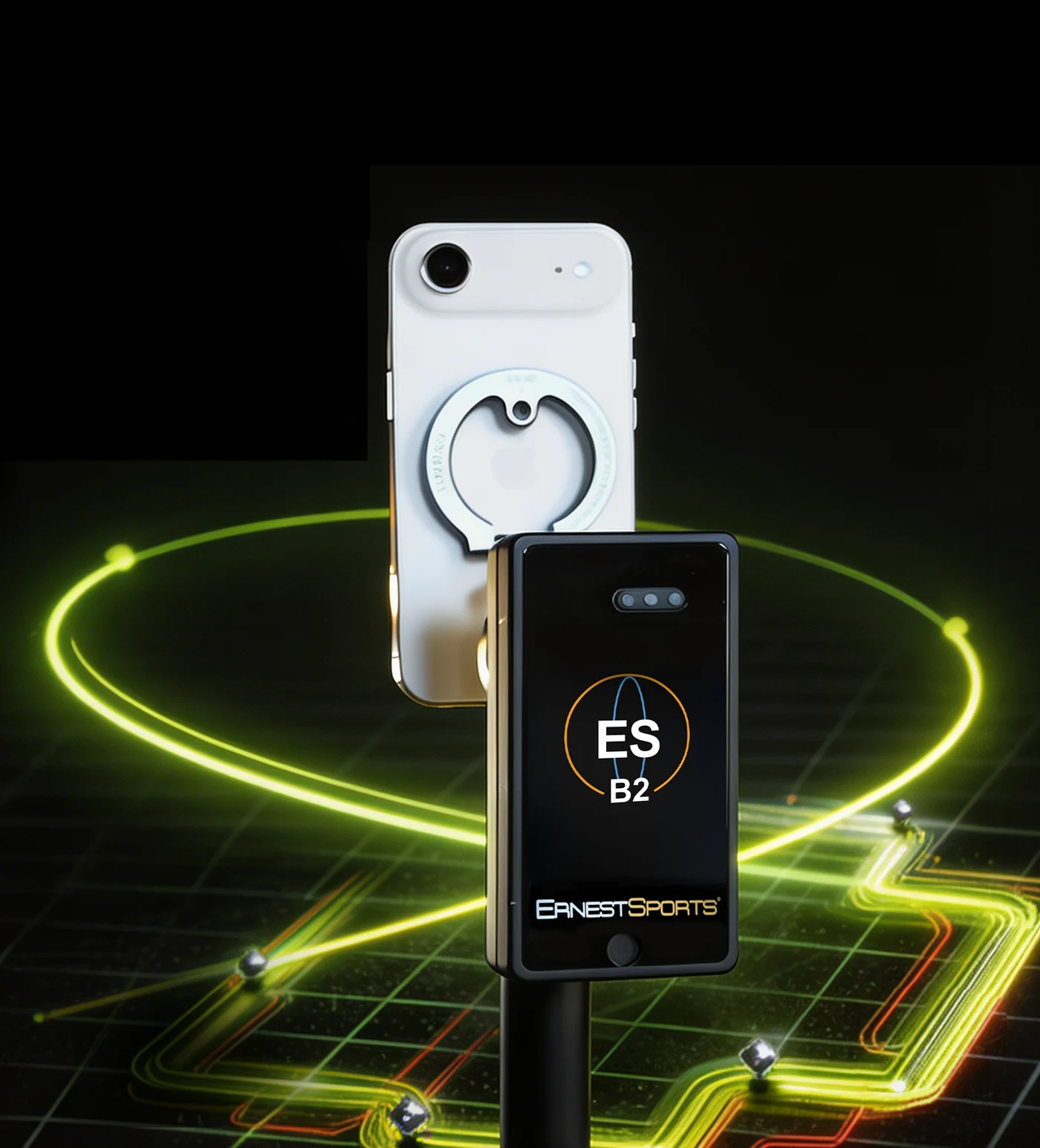
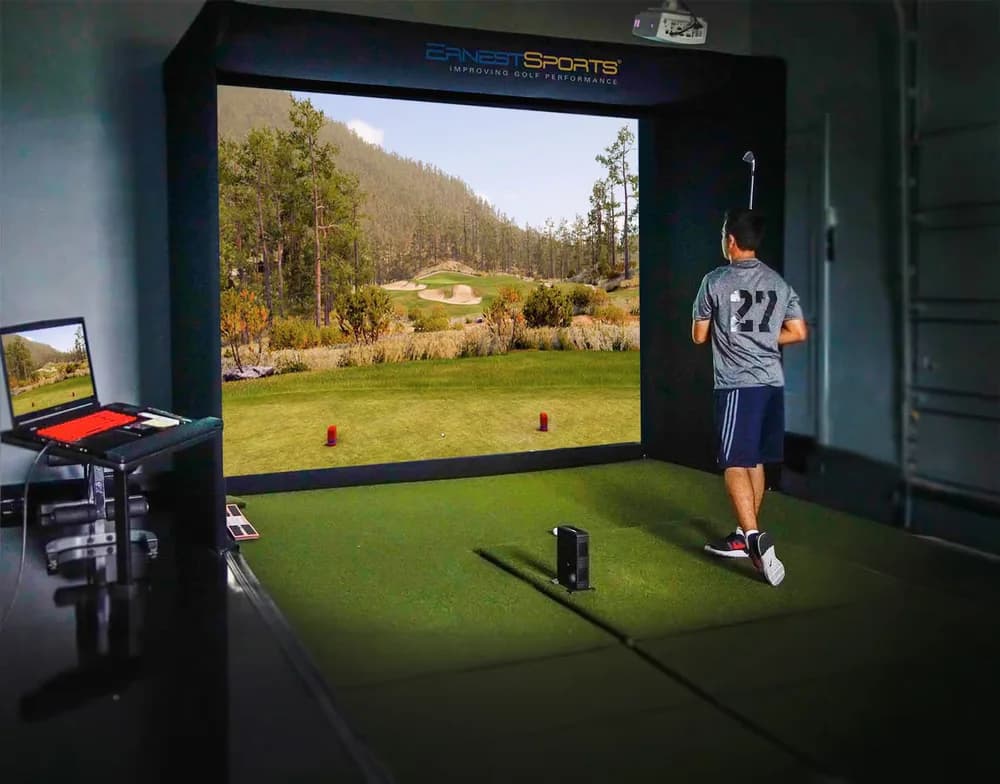
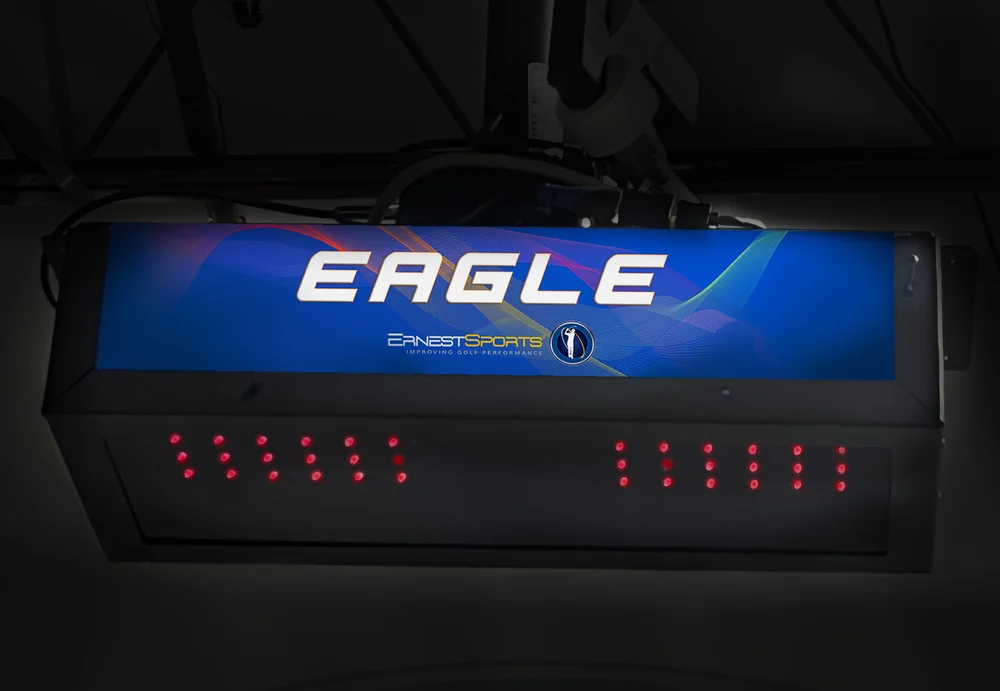
| Feature | ESB1 REV-D | ESB2 | Tour Plus 2.0 | ES Eagle Sim |
|---|---|---|---|---|
| Product image | ||||
| Price | $275 | $495 | $1,795 | Request a quote |
| Data points | 6 | 10 | 20 | 20 |
| Technology | Doppler | Doppler | Quad 3D Doppler | Overhead camera array |
| Cameras | — | — | 2 × high-speed | 2 × high-speed |
| Built-in screen | Yes | Yes | — | — |
| Battery | 20 hours | 20 hours | Rechargeable | Mains powered |
| Spin axis | — | — | Yes | Yes |
| Putting analysis | — | — | — | Yes |
| E6 Connect | — | — | Yes | Yes |
| Rating | 4.4 / 5 | 4.6 / 5 | 4.7 / 5 | 4.8 / 5 |
| Best for | Practice and range | Serious practice | Home simulator | Facilities and coaching |
| Link | View → | View → | View → | View → |
How to choose
Three questions settle it for most buyers.
Do you want numbers without a phone?
The ESB1 and ESB2 both have built-in screens and work standalone. The Tour Plus 2.0 and Eagle Sim expect a computer or tablet, because they are producing far more data than a small display can usefully show.
Do you need to know why the ball curves?
Ball speed, launch angle and spin tell you how far a shot went and why. Club path and face angle tell you why it curved. The ESB1 measures the first group; the ESB2 and above add the second.
Are you practising, or playing indoors?
For range practice, the ESB1 or ESB2 is the efficient answer. For indoor course play you need E6 Connect support, which means the Tour Plus 2.0 or the Eagle Sim. A launch monitor that cannot drive simulation software will never play a round, no matter how accurate it is.
Head to head.
All guides →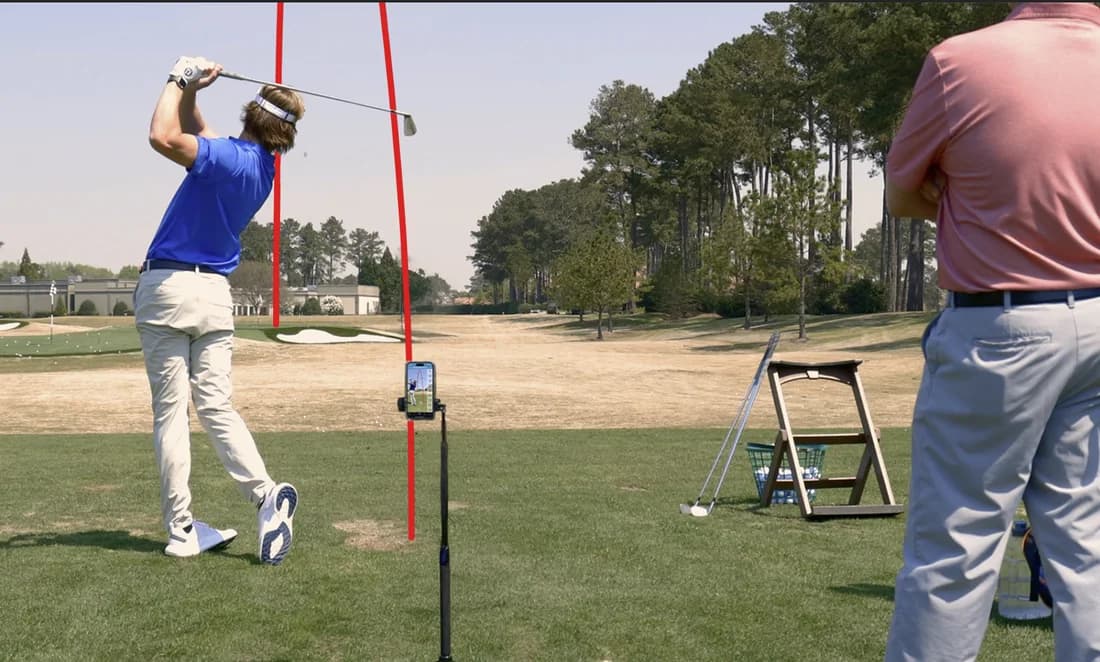
Best golf launch monitor under $500 in 2026
Four sub-$500 launch monitors compared on accuracy, metrics, battery and what they actually do on a range. Independent specifications, published prices.

ESB1 vs Garmin R10: which should you buy?
A $275 launch monitor with its own screen against the $499 category default. Where each one wins, and which golfer each suits.
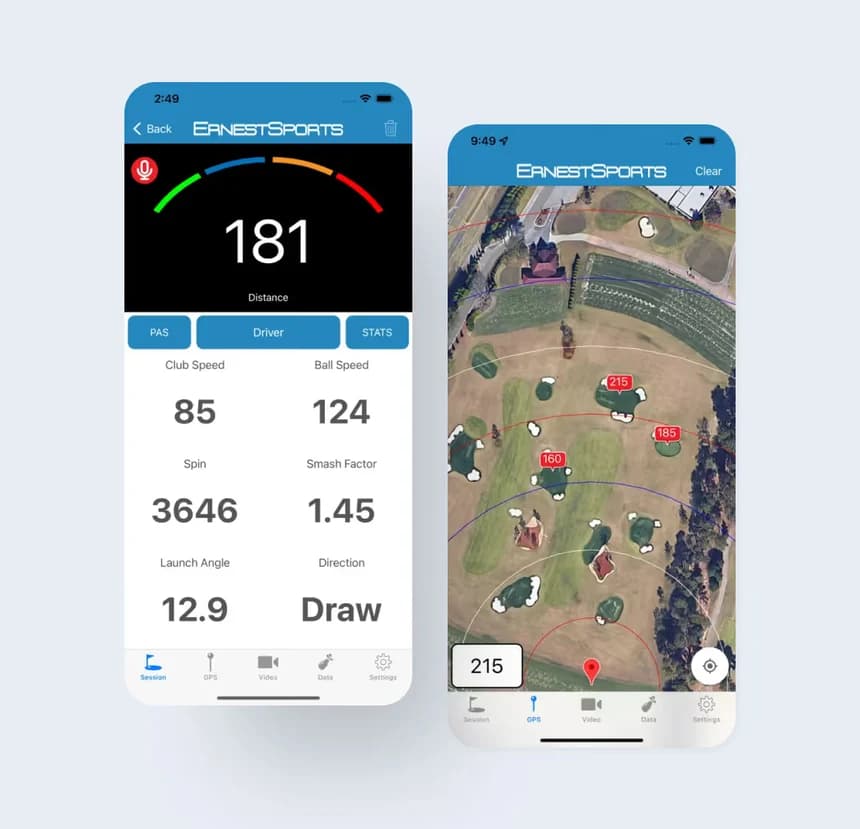
What launch monitor metrics actually mean
Ball speed, smash factor, spin rate, launch angle, club path and face angle explained in plain language, with the numbers worth chasing.